How to Build a Bubble.io Progressive Web App (PWA) That Feels Like a Native Mobile App
Skip the app store approval process and ship a fast, installable, offline-capable web app using Bubble.io — no native code required.
Why Founders Are Choosing PWAs Over Native Apps in 2026
Building a native mobile app used to mean maintaining two separate codebases — one for iOS, one for Android — plus navigating app store reviews, developer accounts, and approval delays that could stretch weeks. In 2026, progressive web apps (PWAs) have made that entire overhead optional for most early-stage products.
A PWA is a web application that behaves like a native app: it can be installed on a user’s home screen, load instantly, send push notifications, and even work offline. Users get a smooth mobile experience without ever visiting the App Store or Google Play. For startups validating ideas or launching MVPs, this is a game-changer.
Bubble.io sits at the perfect intersection of speed and capability here. With its responsive design engine, plugin ecosystem, and custom domain support, you can configure a Bubble.io Progressive Web App in a fraction of the time it would take a traditional developer team to build and deploy a comparable native experience.
What a Bubble.io PWA Can Actually Do
Before diving into setup, it’s worth understanding what you’re actually unlocking. Not all PWA features are created equal, and Bubble.io supports the most commercially valuable ones out of the box or with minimal configuration.
Home Screen Install
Users can add your app directly to their phone’s home screen from any modern browser — no app store required.
Fast Load Speeds
PWAs cache key assets on the device, so repeat visits load near-instantly even on slower mobile connections.
Push Notifications
Re-engage users with timely notifications sent directly to their device — available via Bubble plugins on Android and newer iOS versions.
Offline Fallback
Configure a service worker to show a custom offline page or serve cached content when users lose connectivity.
HTTPS Security
Bubble.io provides SSL on custom domains by default, satisfying a core PWA requirement without extra configuration.
Responsive UI
Bubble’s responsive engine lets you build layouts that adapt perfectly to any screen size, from desktop down to the smallest phones.
How to Configure a PWA on Your Bubble.io App
Setting up a Bubble.io Progressive Web App doesn’t require any code. The process comes down to configuring a web app manifest, enabling the right settings in your Bubble dashboard, and optimizing your responsive layout for mobile. Here’s how to do it systematically.
Connect a Custom Domain with SSL
PWAs require a secure HTTPS connection to function. In your Bubble app settings, connect your custom domain and Bubble will automatically provision an SSL certificate. This is the non-negotiable technical foundation for everything that follows.
Configure Your Web App Manifest
Navigate to Settings → SEO / Metatags in your Bubble editor. Fill in your app name, short name, theme color, background color, and display mode (set to “standalone” for a full-screen native feel). Upload a square app icon at 512×512px — this appears on users’ home screens.
Enable Mobile-Optimized Responsive Layouts
Switch to Bubble’s responsive editor and preview every page at 375px width (standard iPhone viewport). Use Bubble’s column/row layout system to ensure buttons are finger-friendly, text is legible without zooming, and no horizontal scroll occurs. This step is where most DIY PWAs fall short.
Install a Service Worker via Plugin
Bubble doesn’t natively expose service worker controls, but trusted plugins from the Bubble marketplace let you inject a service worker for offline caching and push notification support. Install your chosen plugin, configure the cache strategy, and test the offline fallback page using Chrome DevTools.
Test with Lighthouse and Real Devices
Run a Google Lighthouse audit on your live Bubble app URL. Target a PWA score of 90+ and a Performance score of 80+. Test the “Add to Home Screen” prompt on both an Android device and an iPhone (Safari) to confirm the install flow works end-to-end before launch.
Pro Tip: Use Bubble’s Preview Mode Wisely
Always test your PWA configuration on your live custom domain, not the default bubbleapps.io URL. Many manifest and service worker behaviors differ between the development environment and production — catching issues early saves costly post-launch fixes.
When a Bubble.io PWA Is the Right Call (and When It Isn’t)
A Bubble.io PWA is an excellent fit for most SaaS tools, marketplaces, internal dashboards, booking systems, and community platforms where the primary user journey happens in a browser. The installation barrier is lower, updates ship instantly without store approval, and you maintain one codebase across all devices.
Where PWAs still lag behind native apps is in deep hardware integration. If your product needs persistent background location tracking, advanced Bluetooth connectivity, NFC payments, or access to health sensors, a native app wrapper built with tools like Jasonelle or Median.co around your Bubble app may be a better bridge solution.
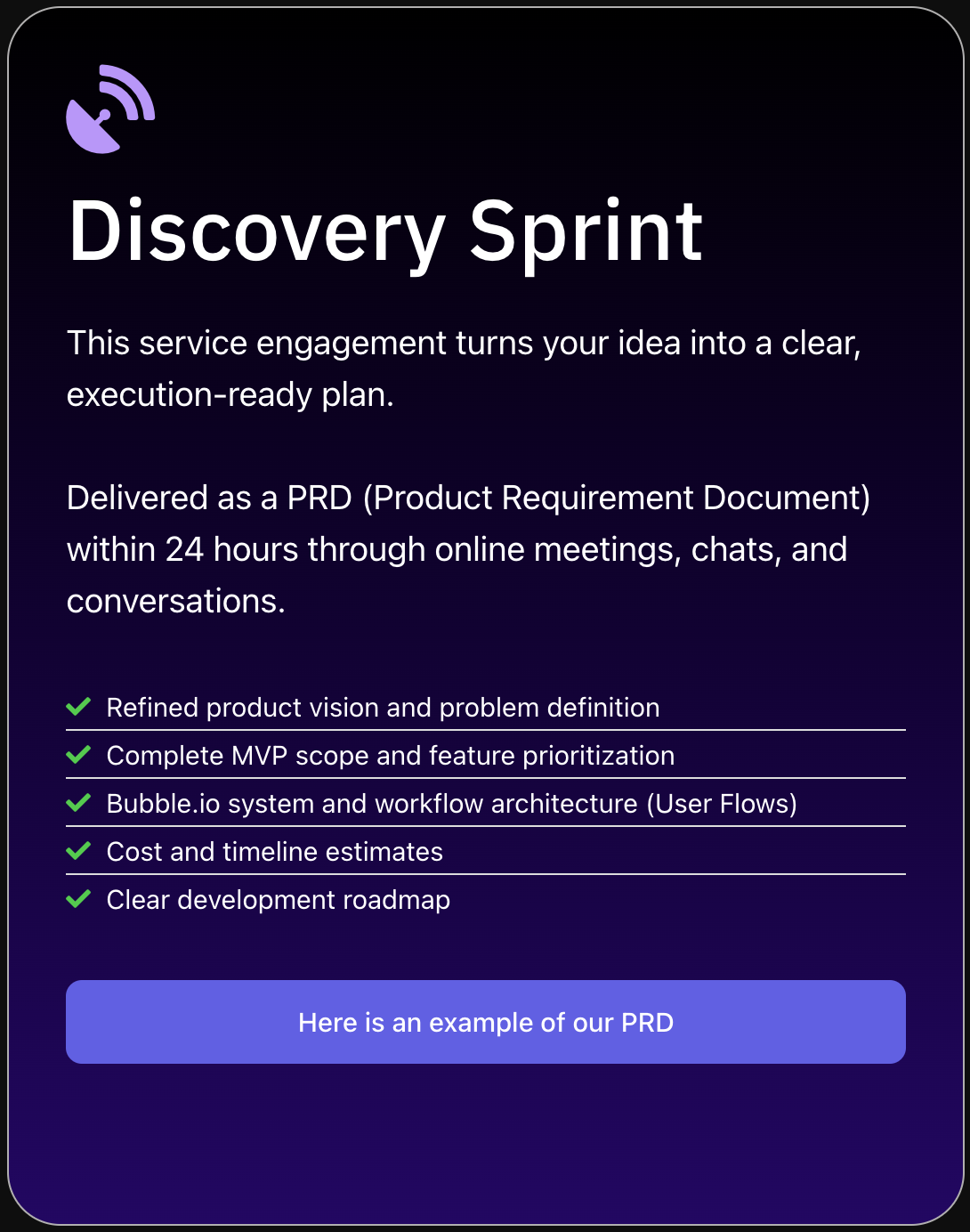
For the majority of startup founders SA Solutions works with, the PWA route cuts time-to-market by weeks and reduces build complexity significantly. During our Discovery Sprint sessions, Athar Ahmad routinely recommends the PWA-first strategy for early-stage products — validate traction with a PWA, then invest in a native wrapper only if specific device features become critical to retention or monetization.
- ✓
SaaS dashboards and admin tools
- ✓
Two-sided marketplaces and booking platforms
- ✓
B2B workflow and productivity apps
- ✓
Community portals and member directories
- ✓
MVP validation before a native app investment
- ✓
Internal tools that employees access on mobile
Optimizing Your Bubble.io PWA for Speed and Retention
Getting the PWA manifest configured is just the beginning. A well-performing Bubble PWA requires deliberate performance tuning — because slow load times on mobile kill conversion rates regardless of how good your product is. In 2026, users expect sub-three-second load times on 4G networks.
Start by auditing your Bubble workflows for unnecessary API calls on page load. Use conditional loading to defer off-screen content, compress all images to WebP format, and lean on Bubble’s built-in database indexing to ensure data-heavy pages don’t bottleneck on slow queries. Each optimization compounds: shaving 500ms off your load time can meaningfully improve your Lighthouse score and reduce bounce rate.
On the retention side, push notifications are your most powerful PWA-exclusive tool. Use them strategically — triggered by meaningful product events like new messages, booking confirmations, or milestone achievements — rather than generic marketing blasts. Apps that use contextual push notifications see significantly higher re-engagement rates than those that rely solely on email follow-ups.
Frequently Asked Questions
Can Bubble.io apps be installed on an iPhone home screen like a native app?
Yes. On iOS, users can add any PWA to their home screen via the Safari Share menu using the “Add to Home Screen” option. The app then opens in standalone mode without the browser chrome, giving it a near-native look and feel. Apple has progressively improved PWA support on iOS, and as of 2026 push notifications are also supported on iOS 16.4 and later.
Does Bubble.io natively support PWA configuration, or do I need plugins?
Bubble.io supports the web app manifest configuration natively through the Settings panel, covering the essential PWA install experience. However, for advanced features like service workers, offline caching, and push notifications, you’ll need a third-party plugin from the Bubble marketplace. Several well-maintained options exist that handle these features without requiring custom code.
How long does it take to build a Bubble.io PWA from scratch?
A focused MVP built as a Bubble PWA typically takes four to eight weeks depending on feature complexity. The PWA configuration itself adds only a day or two to that timeline — the bulk of build time is spent on product logic, database design, and UX. SA Solutions’ Discovery Sprint helps founders define scope upfront so the build phase stays on schedule.
Will a Bubble.io PWA rank well on Google and other search engines?
Yes — PWAs are standard web pages at their core, so they’re fully crawlable and indexable by search engines. You should still configure Bubble’s SEO settings (meta titles, descriptions, canonical URLs) carefully for each page. Fast load speeds and mobile-friendliness, both achievable with a well-built Bubble PWA, are also confirmed Google ranking signals.
Can I convert my existing Bubble.io app into a PWA without rebuilding it?
Absolutely. PWA capabilities are added as a layer on top of your existing Bubble app — you don’t need to rebuild anything. You’ll update your manifest settings, install a service worker plugin, and audit your responsive layouts for mobile. Most existing Bubble apps can be PWA-ready within a few days of focused work.
Ready to Launch Your Bubble.io PWA?
SA Solutions is a certified Bubble.io development agency led by Athar Ahmad. Book a free Discovery Sprint to map out your PWA’s product scope, performance targets, and launch timeline — no commitment needed.