How to Build an AI Agent with Bubble Without Writing a Single Line of Code
In 2026, AI agents are no longer a luxury — here’s exactly how to build one on Bubble.io and ship it fast.
AI Agents Are the New MVP — And Bubble Makes Them Accessible
If you’re a startup founder or business owner in 2026, you already know that AI agents are reshaping how products deliver value. From autonomous customer support bots to intelligent workflow automators, AI agents are handling tasks that used to require entire teams. The exciting part? You no longer need a team of machine learning engineers to build one.
Bubble.io has evolved into one of the most powerful no-code platforms on the planet, and it’s now fully capable of hosting, connecting, and orchestrating AI agents through APIs, plugins, and backend workflows. Whether you want to build a lead qualification agent, a document processing assistant, or a multi-step reasoning bot, Bubble gives you the infrastructure to do it — visually.
At SA Solutions, we’ve helped dozens of founders build AI-powered products on Bubble without a single line of custom code. This guide walks you through exactly how it’s done.
What Does an AI Agent Actually Need to Run on Bubble?
Before you start building, it helps to understand what an AI agent actually consists of. At its core, an AI agent has four components: a brain (the LLM), a memory system (database or vector store), a set of tools (APIs it can call), and an orchestration layer (the logic that decides what to do next). Bubble can serve as the orchestration layer and connect to all the others.
In practical terms, your agent’s “brain” will typically be OpenAI’s GPT-4o, Anthropic’s Claude, or a similar model accessed via API. Memory can be handled through Bubble’s native database or a connected service like Pinecone for vector search. Tools are external APIs — Stripe for payments, Twilio for messaging, your own backend endpoints — that the agent can trigger via Bubble’s API Connector.
The orchestration layer — the part that says “if the user asks X, call tool Y, then store result Z, then respond” — is built entirely in Bubble’s backend workflows and conditional logic. This is where the magic happens, and it’s 100% visual.
LLM Brain
Connect GPT-4o, Claude, or Gemini via Bubble’s API Connector. No SDK needed — just REST calls.
Memory Layer
Use Bubble’s database for short-term context or connect Pinecone/Weaviate for long-term vector memory.
Tool Calling
Wire up any third-party API as a tool your agent can invoke — from CRMs to calendars to payment gateways.
Orchestration
Bubble’s backend workflows act as the agent’s decision engine — chaining steps, evaluating outputs, and looping.
Frontend UI
Build a polished chat interface or dashboard in Bubble’s visual editor — no React, no Tailwind, no headaches.
Auth & Security
Bubble’s built-in user authentication and privacy rules protect your agent’s data and API keys out of the box.
How to Build an AI Agent with Bubble: A Practical Walkthrough
Here’s the exact process SA Solutions uses when building AI agent products for clients on Bubble. Follow these steps and you’ll have a working agent prototype in days, not months.
Define Your Agent’s Job to Be Done
Before touching Bubble, write down what your agent does, what inputs it receives, what decisions it makes, and what actions it takes. A well-scoped agent — “qualify inbound leads and book a call if score is above 7” — is infinitely easier to build than a vague “smart assistant.” Specificity is your superpower at this stage.
Set Up Your LLM Connection via API Connector
In Bubble, navigate to the API Connector plugin and add a new API for OpenAI or your chosen LLM provider. Configure the authentication header with your API key, set up a POST call to the chat completions endpoint, and map your dynamic fields (system prompt, user message, conversation history). Test the call directly in the connector before wiring it to workflows.
Design Your Agent’s Memory Schema in Bubble’s Database
Create data types for Conversations, Messages, and any domain-specific entities your agent tracks (e.g., Leads, Tickets, Orders). Each Message should store its role (user/assistant/system), content, timestamp, and a reference to its parent Conversation. This schema is the backbone of your agent’s context management.
Build the Orchestration Logic in Backend Workflows
Create a backend API workflow that your frontend triggers when the user sends a message. Inside this workflow, chain the steps: save the user message, retrieve recent conversation history, construct the prompt, call the LLM API, parse the response, check if a tool call is needed, execute the tool if so, and save the assistant’s reply. Bubble’s “Schedule API Workflow” action lets you handle async tasks elegantly.
Wire Up Your Agent’s Tools
For each tool your agent can use — sending an email, querying a database, creating a calendar event — set up a corresponding API call or Bubble workflow. Use conditional logic in your orchestration workflow to detect when the LLM’s output signals a tool call (look for structured JSON in the response) and route to the correct action branch.
Build the Chat UI and Launch
Design a clean chat interface in Bubble’s visual editor — a repeating group for message history, an input field, and a send button. Use real-time data updates so new messages appear instantly. Polish the UX, set up your privacy rules to protect user data, and you’re ready to deploy. Bubble hosts everything — no server configuration required.
Pro Tip: Use System Prompts as Your Agent’s Personality Engine
Store your system prompt as a dynamic field in Bubble’s database rather than hardcoding it. This lets you A/B test different agent personas, update instructions without redeploying, and even let admins edit the prompt through a settings panel — all without touching a single workflow.
What Kind of AI Agents Can You Actually Build on Bubble?
The question we hear most often from founders is: “Is Bubble powerful enough to build a real AI agent?” The answer in 2026 is an unambiguous yes. Bubble’s infrastructure has matured significantly, and the ecosystem of plugins and integrations makes it possible to build production-grade AI products without code.
Here are the categories of AI agents SA Solutions builds most frequently for clients:
- ✓
Lead Qualification Agents: Automatically score inbound leads, ask follow-up questions, and book qualified prospects directly into your calendar via Calendly or Google Calendar APIs.
- ✓
Customer Support Agents: Answer FAQs, retrieve order data, escalate to humans when confidence is low — all running 24/7 without human supervision.
- ✓
Document Processing Agents: Accept uploaded PDFs or forms, extract structured data using GPT-4o’s vision capabilities, and populate your database automatically.
- ✓
Internal Ops Agents: Let your team query internal data in plain English — “show me all overdue invoices from last month” — and get instant, accurate answers.
- ✓
Onboarding Agents: Guide new users through setup flows conversationally, reducing drop-off and support tickets simultaneously.
- ✓
Research & Summarization Agents: Pull data from external sources via APIs, summarize content, and deliver structured reports to users on a schedule.
Common Mistakes When Building AI Agents on Bubble (And How to Avoid Them)
Building AI agents on Bubble is powerful, but there are a handful of mistakes that trip up even experienced no-code builders. Knowing them in advance saves you weeks of frustration and wasted API credits.
The most common mistake is trying to build a general-purpose agent on the first attempt. General agents require complex routing logic, massive context windows, and extensive testing. Start with a single-purpose agent that does one thing exceptionally well, validate it with real users, then expand scope incrementally.
The second major pitfall is ignoring token limits. GPT-4o has a large context window, but sending your entire conversation history with every API call gets expensive fast and can cause latency issues. Implement a simple summarization step in your backend workflow that condenses older messages before appending them to the prompt.
Security Must-Have: Never Expose API Keys on the Frontend
Always call your LLM API from Bubble’s backend workflows, never from frontend events or client-side plugins. Your OpenAI API key should live in Bubble’s environment variables and only be accessed server-side. One exposed key can result in thousands of dollars in unauthorized API usage within hours.
Frequently Asked Questions
Can Bubble.io really handle the backend logic of a production AI agent?
Yes — in 2026, Bubble’s backend workflow engine is robust enough to handle multi-step agent orchestration, including conditional branching, looping, async API calls, and database operations. Many SA Solutions clients are running production AI agents on Bubble serving hundreds of users daily. For extremely high-volume scenarios, you can offload heavy computation to a dedicated backend and call it from Bubble via API.
How much does it cost to build an AI agent on Bubble?
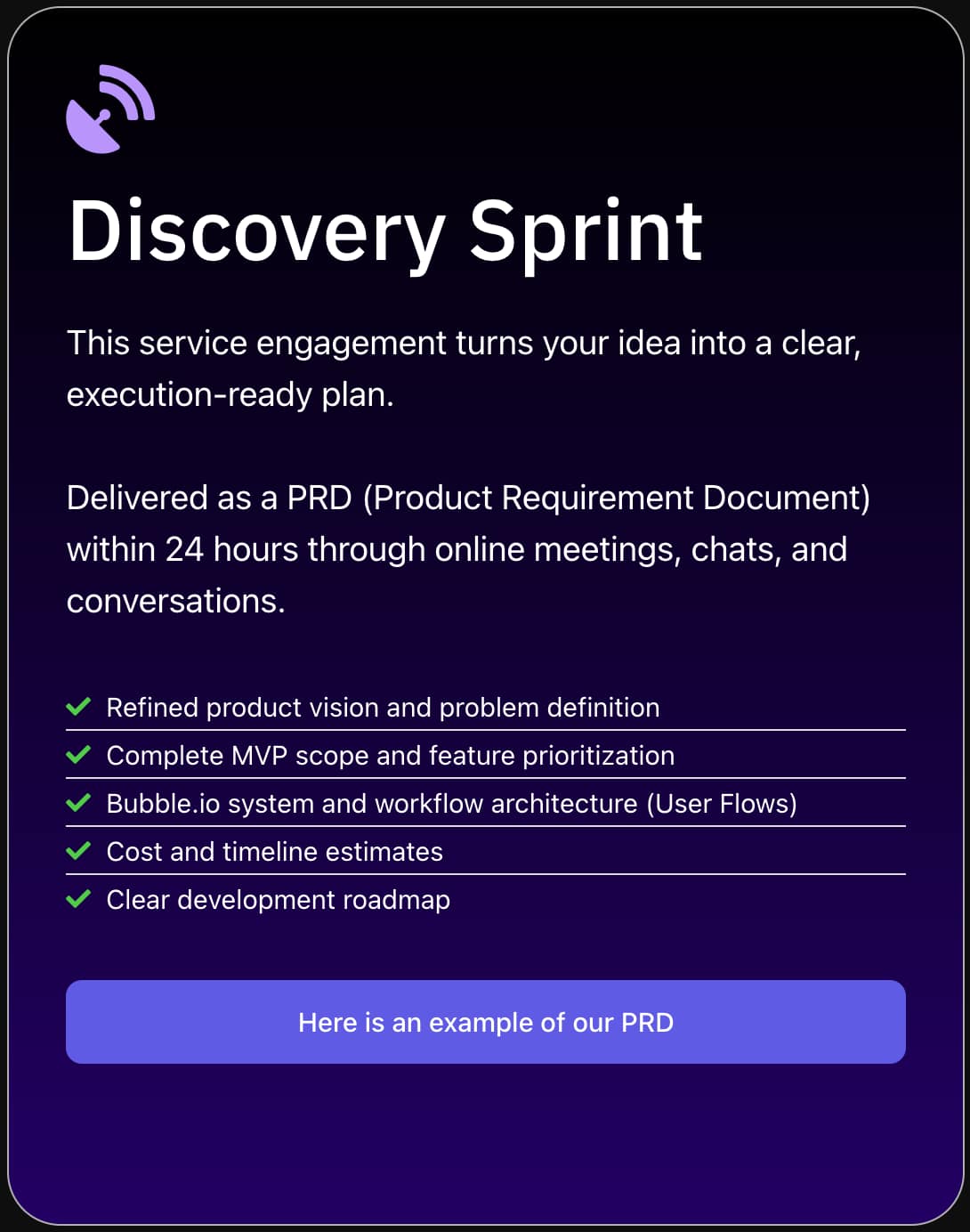
The cost depends on complexity, but a focused single-purpose AI agent built on Bubble typically ranges from a few thousand dollars for a straightforward implementation to more for complex multi-tool agents with custom UIs. You’ll also have ongoing costs for Bubble’s hosting plan and your LLM API usage (typically OpenAI). Booking a Discovery Sprint with SA Solutions gives you an accurate scope and budget estimate before any commitment.
Do I need any coding knowledge to build an AI agent with Bubble?
No coding is required for the vast majority of AI agent builds on Bubble. You’ll need comfort with logical thinking — understanding how APIs work, how to structure data, and how to chain workflow steps — but you won’t write Python, JavaScript, or any traditional code. Some advanced scenarios may benefit from Bubble’s “Run JavaScript” action or a simple serverless function, but these are optional enhancements, not requirements.
Which AI model works best with Bubble for building agents?
In 2026, OpenAI’s GPT-4o remains the most popular choice for Bubble-based AI agents due to its reliable API, strong instruction-following, and native function-calling support. Anthropic’s Claude is an excellent alternative, particularly for agents that handle long documents or require more nuanced reasoning. The good news is that Bubble’s API Connector works with any REST-based LLM API, so you’re never locked into a single provider.
How long does it take to build and launch an AI agent on Bubble?
A well-scoped, single-purpose AI agent can typically be built and launched on Bubble in two to four weeks with an experienced Bubble developer. A more complex agent with multiple tools, custom UI, and integrations may take six to ten weeks. SA Solutions begins every project with a Discovery Sprint to nail down the scope so timelines are accurate from day one — no surprises mid-build.
Ready to Build Your AI Agent on Bubble?
SA Solutions is a certified Bubble.io development agency led by Athar Ahmad. We’ve helped founders across industries ship AI-powered products fast — without the engineering overhead. Book a free Discovery Sprint to map out your agent’s scope, architecture, and budget. No commitment, just clarity.