The Complete Guide to Building a Bubble.io Native Mobile App in 2026
Everything startup founders need to know about turning their Bubble.io web app into a powerful mobile experience — without writing a single line of native code.
Can Bubble.io Really Build a Native Mobile App?
This is one of the most common questions founders ask us at SA Solutions — and the honest answer is: it depends on what you mean by “native.” Bubble.io is a web-based no-code platform, meaning your app runs in a browser environment. However, in 2026, the line between a web app and a native mobile experience has blurred significantly, and Bubble.io sits right at that intersection.
With the right approach, your Bubble.io app can be packaged and distributed through the Apple App Store and Google Play Store, access device features like the camera and GPS, and feel indistinguishable from a traditionally coded native app to most end users. The key is understanding your options and choosing the right deployment strategy from day one.
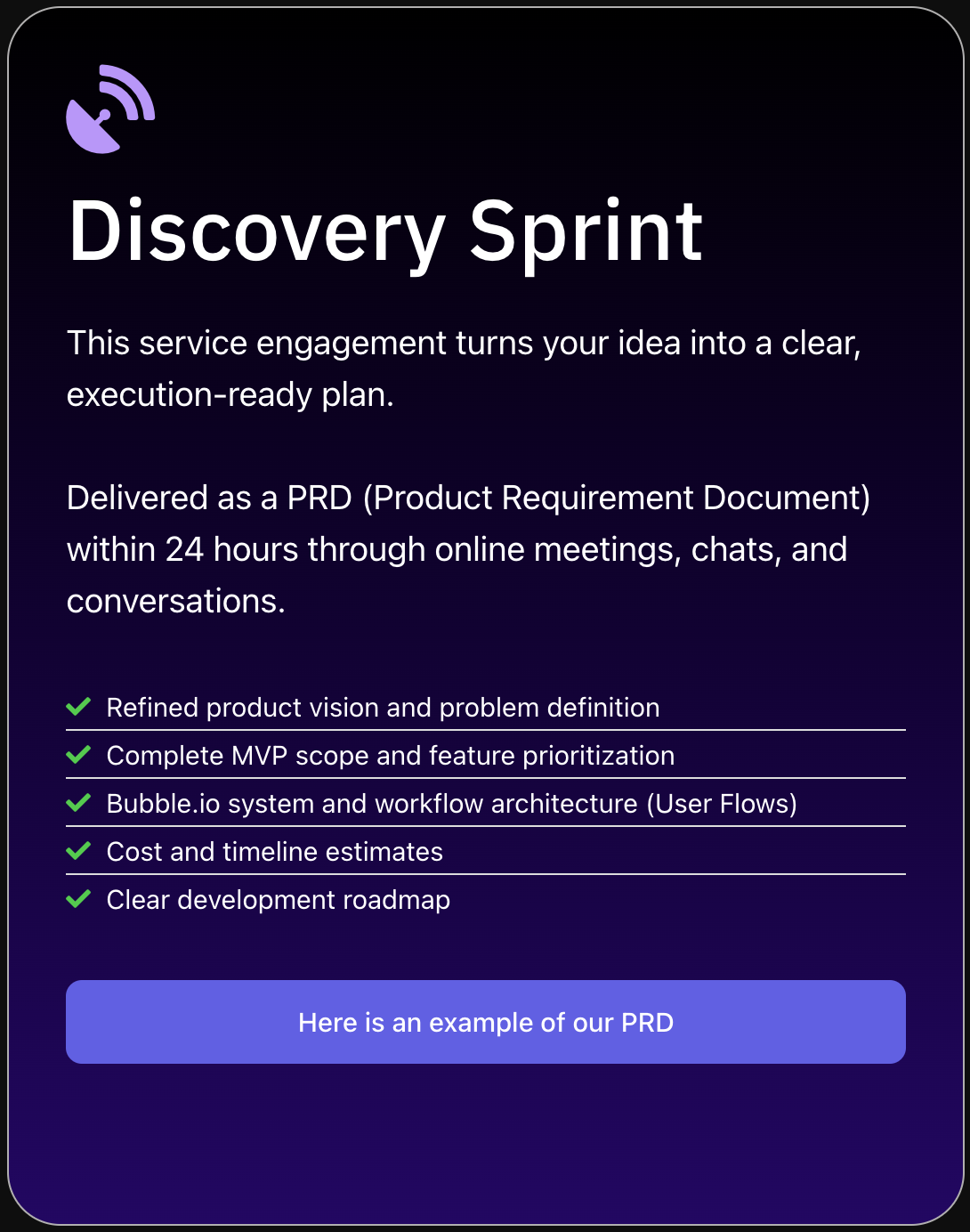
At SA Solutions, our Discovery Sprint process starts with exactly this question. Before writing a single workflow in Bubble.io, we map out your target platforms, user expectations, and feature requirements so you never invest in the wrong mobile strategy.
PWA vs. Wrapped Native App: Which Should You Build?
In 2026, Bubble.io founders have two primary paths to mobile: a Progressive Web App (PWA) or a wrapped native app. Both have real merit depending on your product goals, budget, and audience. Understanding the distinction will save you weeks of rework down the road.
A PWA is your Bubble.io app optimized for mobile browsers and installable directly from the browser to a user’s home screen — no app store required. It’s fast to deploy, requires no third-party wrapper, and updates instantly without going through App Store review. For many early-stage startups validating an MVP, a PWA is the smartest starting point.
A wrapped native app uses a tool like BDK Native to bundle your Bubble.io web app into a native shell that can be submitted to the App Store and Google Play. This unlocks access to native device APIs, push notifications, biometric authentication, and the psychological trust that comes with being listed in an official app store — all critical for consumer-facing products.
Progressive Web App (PWA)
Installable from browser, no App Store needed. Fast to ship, instant updates, ideal for B2B tools and MVPs.
Wrapped Native App
Listed on App Store & Google Play. Access to push notifications, camera, GPS, and biometric login via BDK Native.
Hybrid Strategy
Launch as a PWA to validate, then wrap for app store distribution when you’ve proven product-market fit.
How to Turn Your Bubble.io App Into a Mobile App
Whether you’re building from scratch or converting an existing Bubble.io project, the process of going mobile follows a clear sequence. Here’s how we approach it at SA Solutions for every client engagement.
Design Mobile-First in Bubble.io
Use Bubble.io’s responsive engine to build layouts that adapt to small screens. Set a mobile breakpoint, simplify navigation to a bottom tab bar or hamburger menu, and size all tap targets to at least 44×44px. Mobile-first design is not optional — it’s the foundation everything else builds on.
Configure Your PWA Settings
In your Bubble.io app settings, upload a high-resolution app icon (512×512px), set a theme color, and write a short app description. These settings power the “Add to Home Screen” prompt in mobile browsers and make your app feel polished when installed. This step takes under 30 minutes and is worth every second.
Install BDK Native or a Similar Wrapper
Connect BDK Native to your Bubble.io app by installing its plugin from the Bubble.io marketplace. This plugin bridges the gap between your web app and native device APIs. Configure push notification certificates for iOS and Android, and define which native features your app needs to access.
Build and Test the Native Shell
Use BDK Native’s cloud build system to generate your IPA (iOS) and APK/AAB (Android) files without needing Xcode or Android Studio locally. Test on real devices — not just simulators — paying close attention to load times, gesture navigation, and keyboard behavior. Always test on both platforms before submission.
Submit to App Store & Google Play
Create your Apple Developer Account ($99/year) and Google Play Developer Account ($25 one-time) if you haven’t already. Prepare your store listing assets: screenshots, a preview video, and a compelling description with relevant keywords. Apple’s review process typically takes 1–3 days; Google Play is usually 24–48 hours in 2026.
Pro Tip: Validate Before You Wrap
Before investing time in app store submission, launch your Bubble.io app as a PWA and gather real user feedback for 2–4 weeks. This lets you fix UX issues before they become 1-star app store reviews. SA Solutions always recommends this staged approach during our Discovery Sprint planning sessions.
What Device Features Can Your Bubble.io Mobile App Access?
One of the most common concerns founders raise is whether a Bubble.io mobile app can feel truly native in terms of functionality. The short answer in 2026 is: more than ever. With the right plugin setup and a properly configured native wrapper, your Bubble.io app can access a surprisingly deep set of device capabilities.
Here’s what’s available to Bubble.io mobile apps through a combination of native wrappers like BDK Native and purpose-built Bubble.io plugins:
- ✓
Push notifications (iOS & Android) — re-engage users without them opening the app
- ✓
Camera & photo library access — essential for profile photos, document uploads, and marketplace listings
- ✓
GPS & geolocation — power delivery apps, location-based search, and mapping features
- ✓
Biometric authentication — Face ID and fingerprint login for secure, frictionless access
- ✓
In-app purchases — monetize through Apple and Google’s payment systems
- ✓
Deep linking — route users to specific app screens from emails, ads, and social media
- ✓
Offline-ready UI — show cached content when connectivity is limited
What Types of Apps Work Best as Bubble.io Mobile Builds?
Bubble.io’s mobile deployment approach works exceptionally well for a wide range of startup products. At SA Solutions, we’ve helped clients across industries ship mobile-ready Bubble.io apps that compete directly with traditionally coded alternatives — at a fraction of the time and cost.
The sweet spot for Bubble.io native mobile apps tends to be data-driven, workflow-heavy products where the UI doesn’t need to match the pixel-perfect fluidity of a game or a video editor. If your app is primarily about managing information, connecting users, enabling transactions, or delivering a service — Bubble.io on mobile is a powerful fit.
Marketplace Apps
Two-sided platforms connecting buyers and sellers. Bubble.io handles listings, bookings, payments, and reviews with ease on mobile.
Field Service Tools
Mobile-first apps for field agents, inspectors, or delivery drivers who need forms, checklists, and GPS tracking on the go.
Healthcare & Wellness
Appointment booking, patient intake, and telehealth platforms that require secure logins and push reminders.
Fintech MVPs
Expense trackers, lending platforms, and payment tools that need mobile-native UX and real-time data updates.
EdTech Platforms
Learning management systems, quiz apps, and course platforms where students need on-the-go mobile access.
Community & Social
Niche social networks, membership communities, and event apps that thrive on push notifications and user-generated content.
When Bubble.io Mobile Isn’t the Right Choice
As Bubble.io specialists, we believe in honest advice over hype. There are scenarios where a Bubble.io native mobile app is not the right tool — and recognizing those early saves clients months of frustration and significant budget.
If your product requires complex animations running at 60fps (think Snapchat-style filters or a gaming UI), heavily relies on real-time video processing, or needs deep integration with proprietary hardware SDKs, you’ll likely outgrow Bubble.io’s mobile capabilities quickly. Similarly, apps with extremely high concurrent user loads may need a custom backend even if the front-end stays in Bubble.io.
The right starting question isn’t “Can Bubble.io do this?” — it’s “Is Bubble.io the fastest, most cost-effective path to validating this specific product?” When we run a Discovery Sprint at SA Solutions, we answer that question honestly for every client before a single dollar is committed to development.
When to Choose Bubble.io Mobile
If you’re pre-Series A, need to ship in weeks not months, and your app’s core value is data management, user connections, or service delivery — Bubble.io is almost certainly your fastest path to a mobile product that real users can download and pay for.
Frequently Asked Questions
Can a Bubble.io app be published on the Apple App Store and Google Play Store?
Yes — using a native wrapper tool like BDK Native, your Bubble.io app can be packaged into an IPA or APK/AAB file and submitted to both stores. You’ll need an Apple Developer Account ($99/year) and a Google Play Developer Account ($25 one-time). The review and approval process follows the same requirements as any other native app.
What is BDK Native and do I need it for a Bubble.io mobile app?
BDK Native is a third-party Bubble.io plugin and cloud build service that wraps your Bubble.io web app in a native shell, unlocking access to device APIs like push notifications, camera, GPS, and biometric authentication. You don’t need it to create a PWA, but it’s essential if you want your app listed in official app stores or need deep native device integration.
How long does it take to build a Bubble.io native mobile app?
A well-scoped Bubble.io mobile app MVP can be built and submitted to app stores in as little as 6–10 weeks with an experienced team. At SA Solutions, our Discovery Sprint takes 1 week to define scope, wireframes, and timelines, followed by a structured build sprint. Complex apps with custom integrations may take 12–16 weeks.
Does a Bubble.io mobile app perform as well as a natively coded app?
For most business app use cases — marketplaces, SaaS tools, booking platforms, community apps — a well-built Bubble.io mobile app is fast enough that users don’t perceive a meaningful performance difference. Performance depends heavily on how efficiently your database queries and workflows are structured. Apps with poorly optimized data calls will feel slow regardless of the technology stack.
What is the cost of building a Bubble.io native mobile app with SA Solutions?
Costs vary based on complexity, number of user roles, integrations, and desired native features. SA Solutions offers a Discovery Sprint to define your exact scope and provide a fixed-price proposal before any development begins. This ensures there are no budget surprises — you know exactly what you’re getting and what it will cost before committing to a full build.
Ready to Build Your Bubble.io Mobile App?
SA Solutions is a certified Bubble.io development agency led by Athar Ahmad. Book a free Discovery Sprint to map out your product scope, mobile strategy, timeline, and budget — no commitment needed. We’ll tell you honestly whether Bubble.io is the right fit before you spend a cent on development.
{
“@context”: “https://schema.org”,
“@graph”: [
{
“@type”: “Article”,
“headline”: “The Complete Guide to Building a Bubble.io Native Mobile App in 2026”,
“description”: “Learn how to build a Bubble.io native mobile app in 2026. Discover PWA vs native options, setup steps, and how SA Solutions can launch your app fast.”,
“author”: {“@type”: “Person”, “name”: “Athar Ahmad”, “url”: “https://sasolutionspk.com”},
“publisher”: {“@type”: “Organization”, “name”: “SA Solutions”, “url”: “https://sasolutionspk.com”, “logo”: {“@type”: “ImageObject”, “url”: “https://sasolutionspk.com/wp-content/uploads/logo.png”}},
“datePublished”: “2026-01-01”,
“dateModified”: “2026-01-01”
},
{
“@type”: “FAQPage”,
“mainEntity”: [
{
“@type”: “Question”,
“name”: “Can a Bubble.io app be published on the Apple App Store and Google Play Store?”,
“acceptedAnswer”: {
“@type”: “Answer”,
“text”: “Yes — using a native wrapper tool like BDK Native, your Bubble.io app can be packaged into an IPA or APK/AAB file and submitted to both stores. You’ll need an Apple Developer Account ($99/year) and a Google Play Developer Account ($25 one-time). The review and approval process follows the same requirements as any other native app.”
}
},
{
“@type”: “Question”,
“name”: “What is BDK Native and do I need it for a Bubble.io mobile app?”,
“acceptedAnswer”: {
“@type”: “Answer”,
“text”: “BDK Native is a third-party Bubble.io plugin and cloud build service that wraps your Bubble.io web app in a native shell, unlocking access to device APIs like push notifications, camera, GPS, and biometric authentication. You don’t need it to create a PWA, but it’s essential if you want your app listed in official app stores or need deep native device integration.”
}
},
{
“@type”: “Question”,
“name”: “How long does it take to build a Bubble.io native mobile app?”,
“acceptedAnswer”: {
“@type”: “Answer”,
“text”: “A well-scoped Bubble.io mobile app MVP can be built and submitted to app stores in as little as 6–10 weeks with an experienced team. At SA Solutions, our Discovery Sprint takes 1 week to define scope, wireframes, and timelines, followed by a structured build sprint. Complex apps with custom integrations may take 12–16 weeks.”
}
},
{
“@type”: “Question”,
“name”: “Does a Bubble.io mobile app perform as well as a natively coded app?”,
“acceptedAnswer”: {
“@type”: “Answer”,
“text”: “For most business app use cases — marketplaces, SaaS tools, booking platforms, community apps — a well-built Bubble.io mobile app is fast enough that users don’t perceive a meaningful performance difference. Performance depends heavily on how efficiently your database queries and workflows are structured. Apps with poorly optimized data calls will feel slow regardless of the technology stack.”
}
},
{
“@type”: “Question”,
“name”: “What is the cost of building a Bubble.io native mobile app with SA Solutions?”,
“acceptedAnswer”: {
“@type”: “Answer”,
“text”: “Costs vary based